
Fleets
A fleet is a dedicated group of GPU nodes provisioned for your organization, together with its storage, monitoring, and optional managed Kubernetes cluster. Lightning AI provisions fleets for you. Use the API to inspect them and follow their history.
List fleets
Console
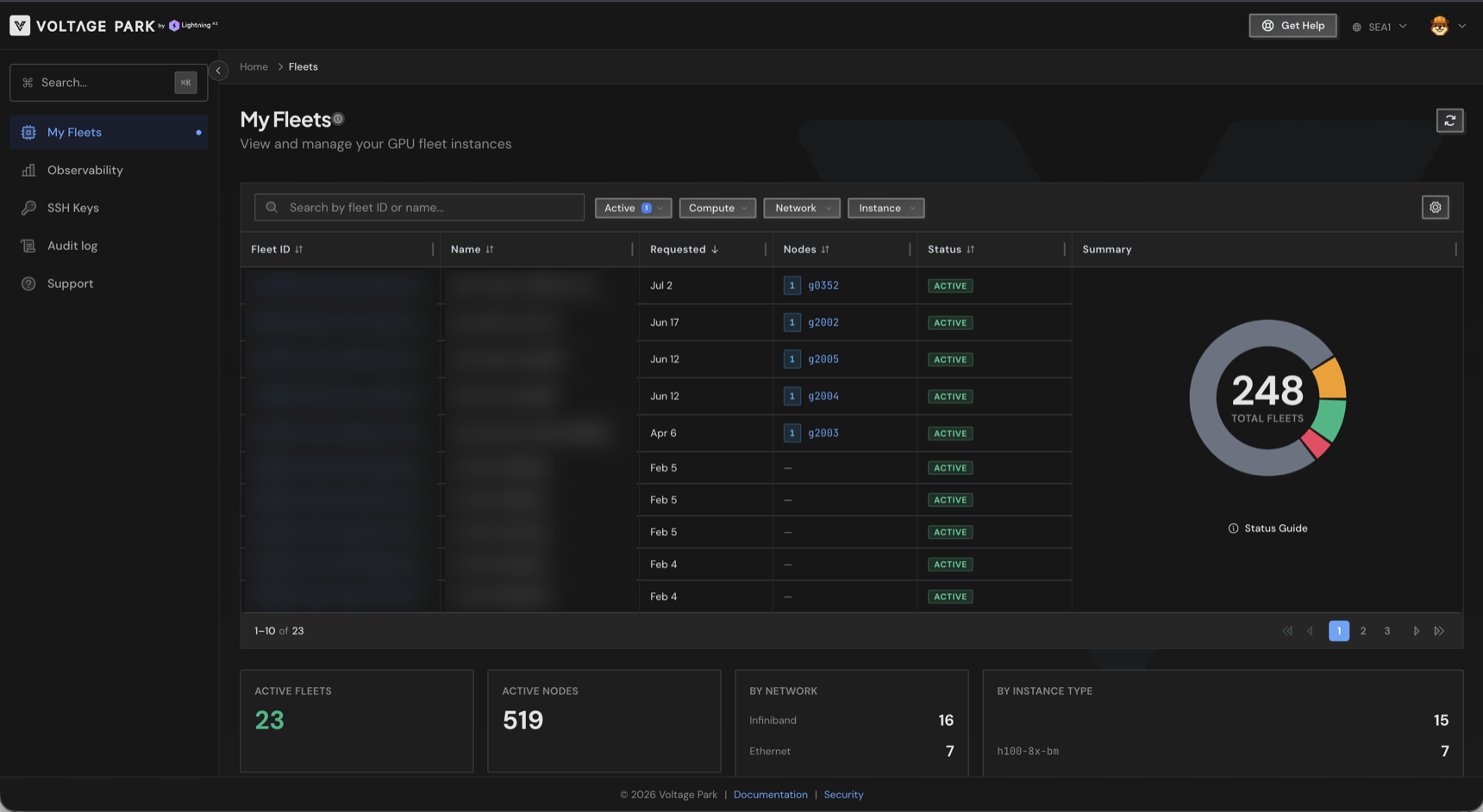
Select My Fleets to see every fleet in your organization with its status.
API
curl "$API_URL/v1/fleets" -H "Authorization: Bearer $TOKEN"Without limit, every fleet is returned and limit and nextToken are null. Add ?limit=10 to paginate. See Pagination.
Get a fleet
Console
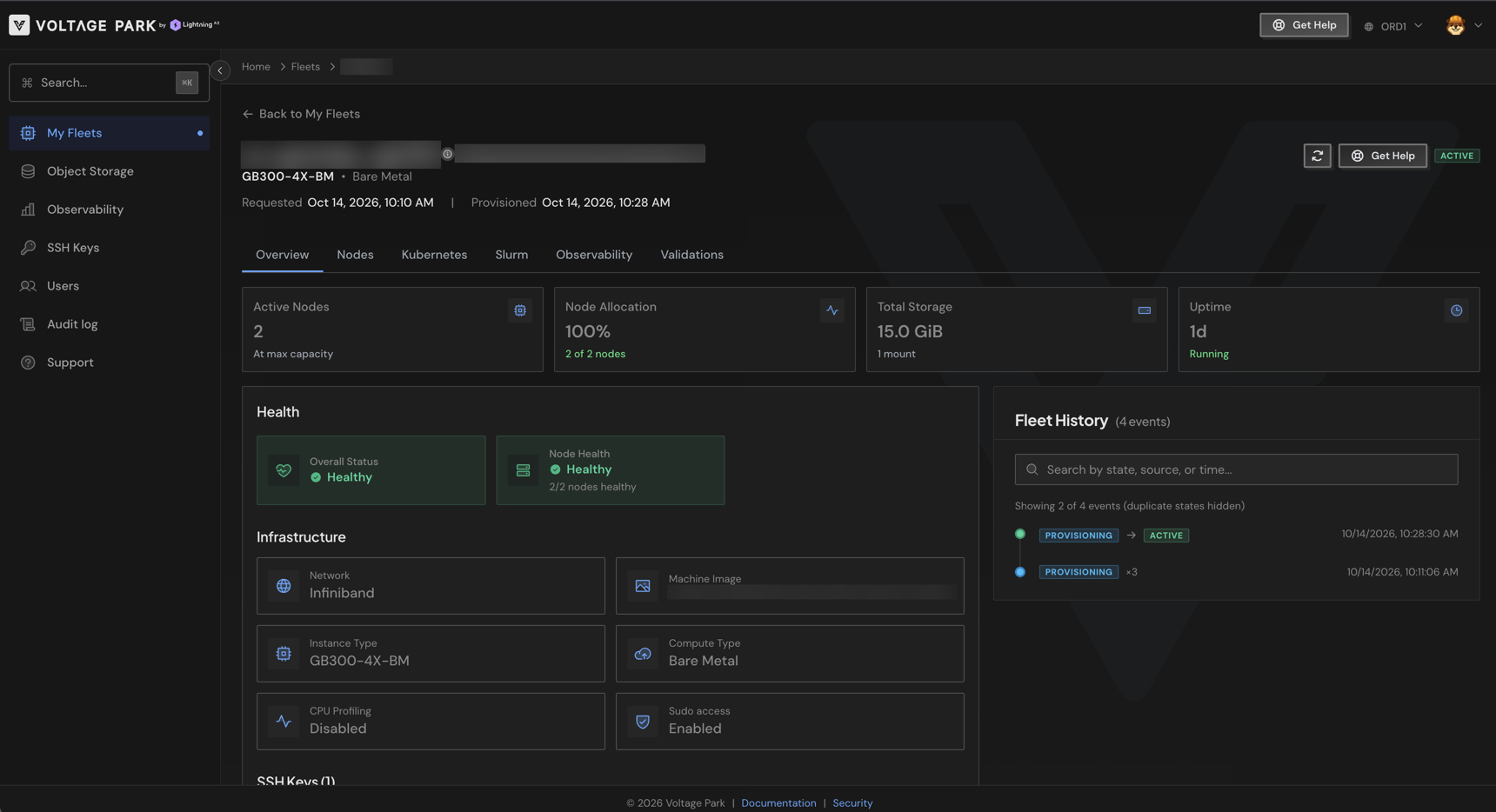
Select a fleet in My Fleets. The Overview tab shows its configuration and status.
API
curl "$API_URL/v1/fleets/$FLEET_ID" -H "Authorization: Bearer $TOKEN"Fleet fields
| Field | Description |
|---|---|
fleetId |
Fleet UUID. |
name |
Human-readable name. |
status |
Lifecycle status. See Fleet status. |
computeType |
Type of compute, for example BARE_METAL. |
minimumFootprint |
The committed node footprint of the fleet. |
expandableCapacity |
Additional capacity the fleet can scale into, if any. |
infrastructure |
Networking and storage configuration. |
bootstrap |
How nodes are bootstrapped when provisioned. |
fleetApps |
Managed applications on the fleet, such as a Kubernetes cluster. |
osConfig |
Operating system configuration. |
orderId |
The linked order, or null. |
requestedAt, provisionedAt, createdAt, updatedAt |
Unix epoch milliseconds (UTC). |
See the API reference for the full schema.
Fleet history
Fleet history is an append-only, newest-first log of what happened to a fleet: creation, status changes (including scaling and termination), storage changes, and node remediation requests.
curl "$API_URL/v1/fleets/$FLEET_ID/history?limit=50" -H "Authorization: Bearer $TOKEN"Each event includes source, previousState, currentState, eventTimestamp, and eventData.
Pagination of history
Some events are omitted from the history, so a page can contain fewer events than
limit, or none at all, whilenextTokenis still present. Keep requesting pages untilnextTokenis absent.
Related
- Nodes: the servers in a fleet.
- Fleet health: is the fleet ready for workloads?
- Audit logs: who did what across your organization.
Was this page helpful?
Thanks for the feedback.