
Plugins
Just like apps on a smartphone, Lightning Studios support plugins—modular building blocks that extend your Studio with powerful AI functionality. Whether you need to run batch jobs, call an LLM, or deploy an API, plugins let you build complete AI products without duct taping disparate tools together. Studios include a growing library of official plugins, and enterprises can even develop their own.
Host an AI web app
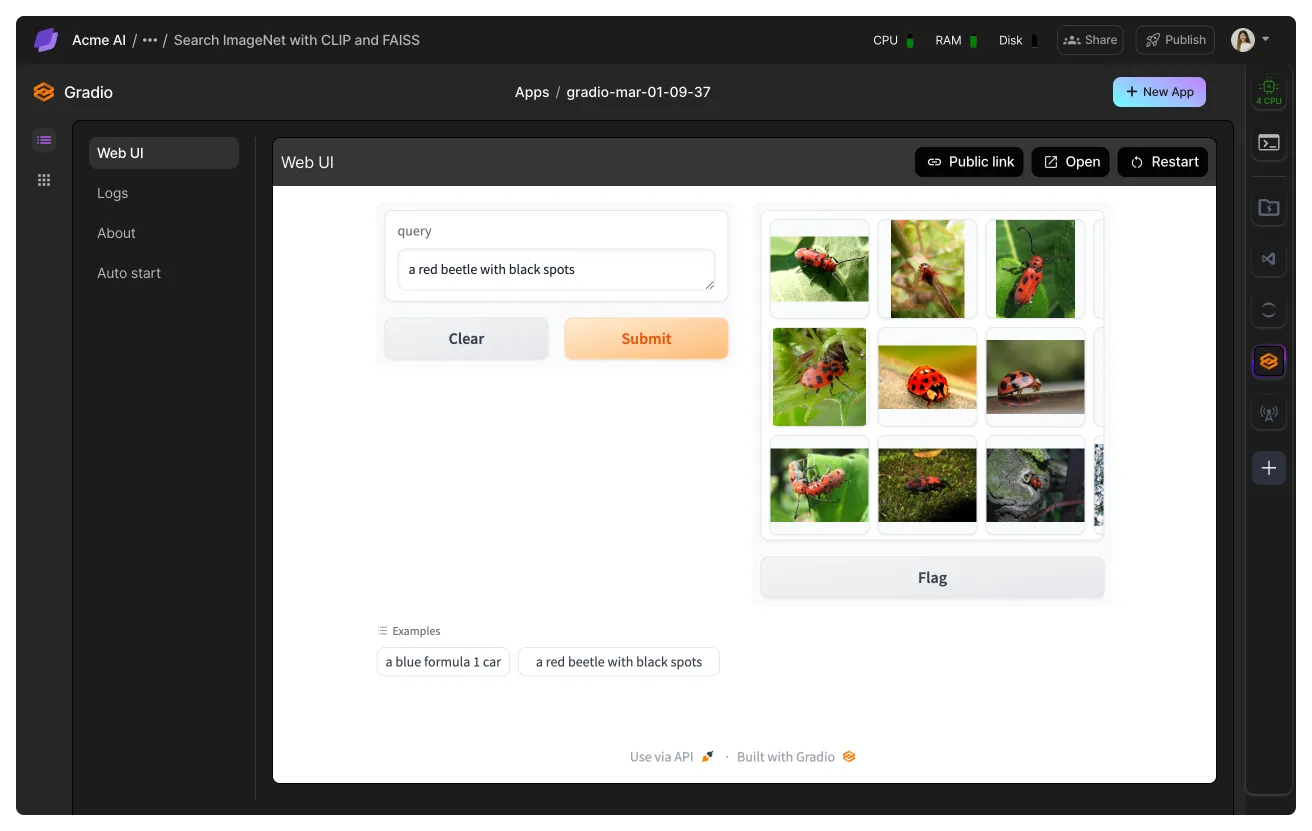
Turn your Studio into a live, autoscaling API endpoint. Perfect for deploying chatbots, tools, or full-blown AI apps in minutes—no DevOps needed.
Scale with Batch Jobs
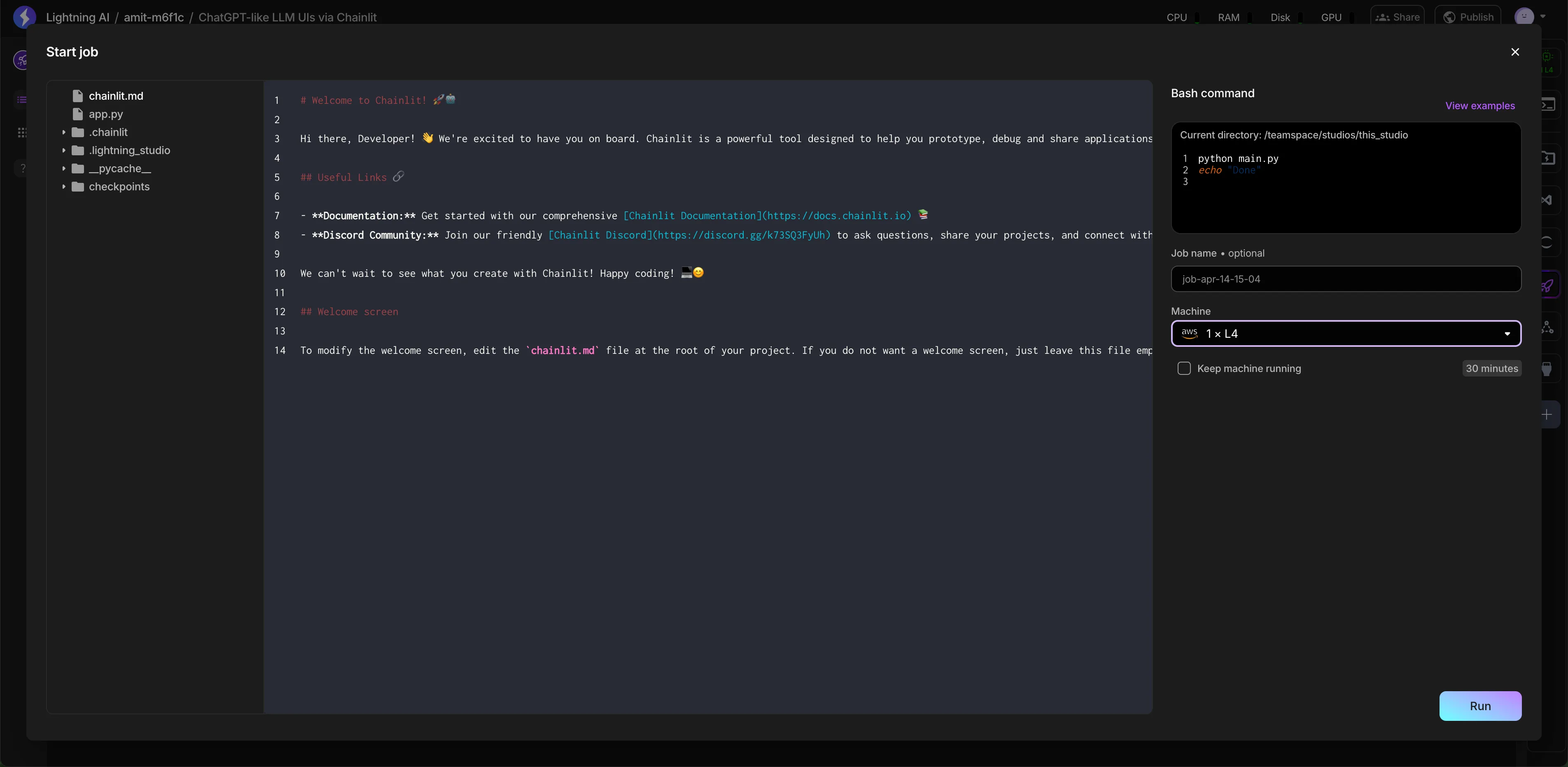
Run large-scale simulations, sweeps, and workflows in parallel on dedicated machines.
Train on multiple machines
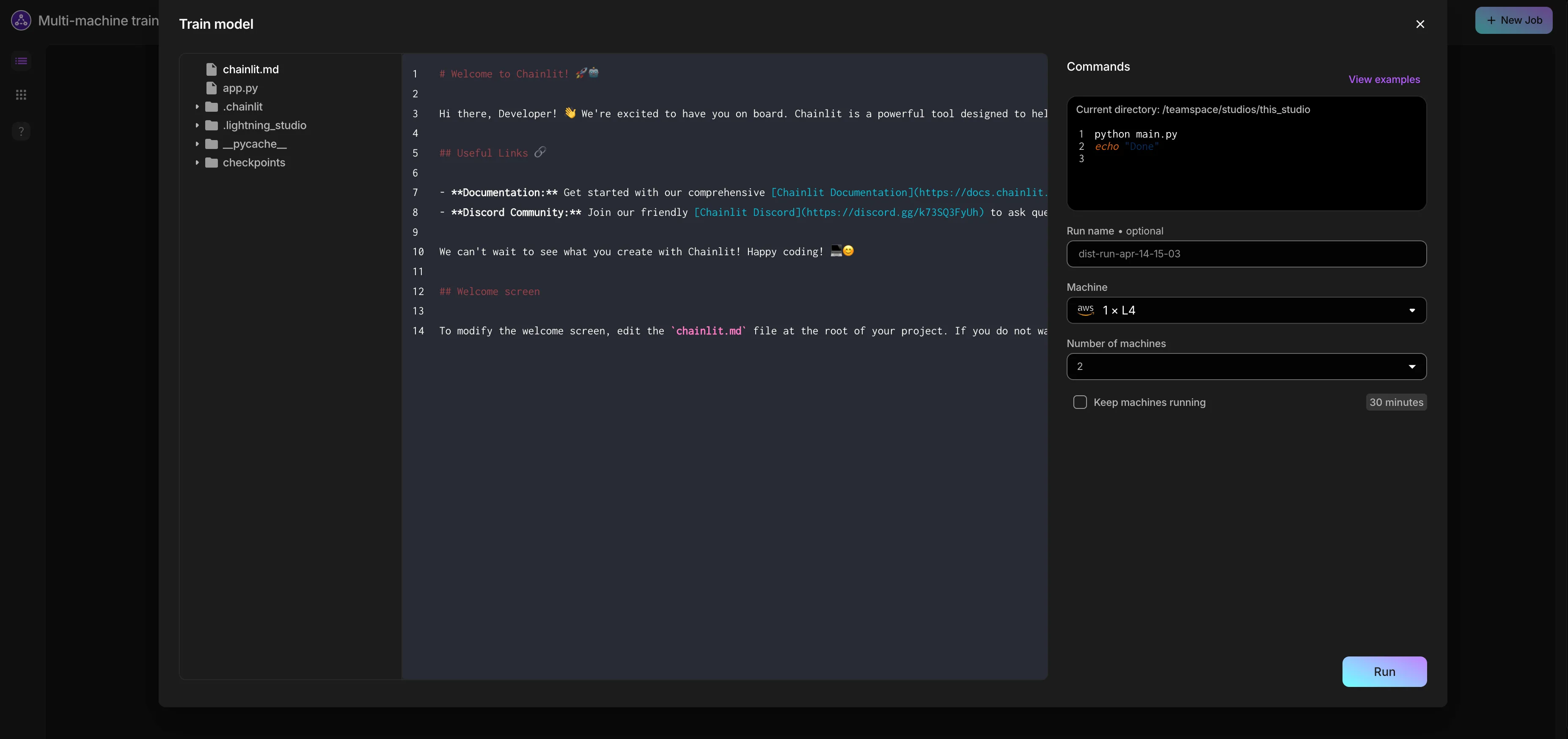
Fine-tune or pretrain models using multi-node compute clusters, all from the same UI.
Store large files persistently
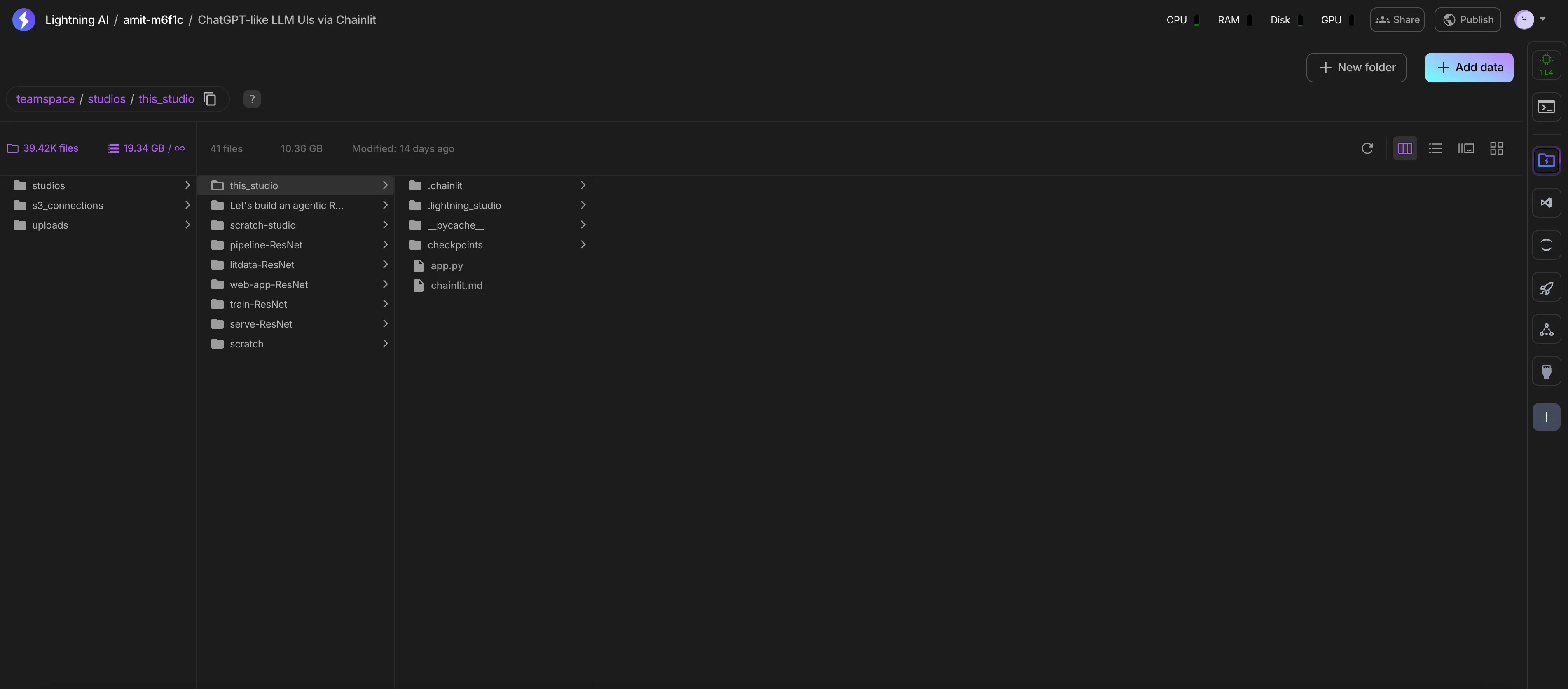
Host datasets, checkpoints, or LLM artifacts inside your Studio with the Storage plugin—no need for third-party storage tools.
Scale up data processing/scraping
The LitData plugin in studios is great for scaling up data processing jobs via distributed strategies. In order to use this plugin check out the video below to install the plugin and scale out your data processing scripts across multiple machines.
Scale up data processing with LitData plugin
Work with plugins
Use a plugin
Click the + button to browse available plugins. Once you find a plugin, install it.
Hover over the plugin for action shortcuts.
Some plugins can open fullscreen by double clicking on them.
Plugins are generally self-explanatory; the best thing you can do is experiment with them. Each plugin has its own documentation as well.
Write a plugin
The beauty of Studios is that if you don't like how we do a workflow (e.g., train multi-node), you can write your own plugin with your own logic. Writing a plugin is kind of like writing a bespoke ML platform for your particular use case.
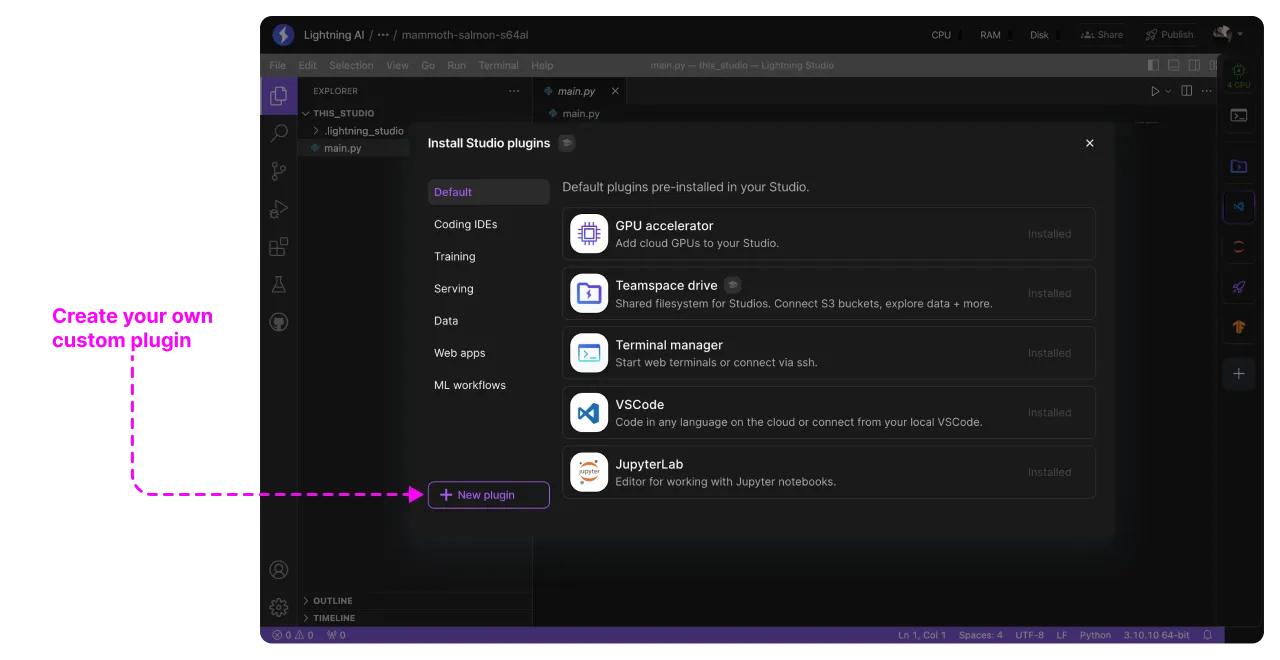
Writing plugins is only available to enterprise at this time. Please get in touch.
Private plugins
Enterprises usually have custom internal tools that they want to integrate with Lightning AI. For example, internal databases, regulatory reporting tools, SEC reporting tools, etc.
Studios can integrate all these services via plugins. Please get in touch if your organization needs this.
Request a plugin
If you have favorite tools that you'd like to see integrated with Lightning AI or you develop a tool you want to make available to the Lightning AI community, please get in touch. Our goal is to provide integrations with the best-in-class tools the AI community loves.
Was this page helpful?
Thanks for the feedback.