
Lightning Tutorial
Use lightning.pytorch.loggers.LitLogger when you want Lightning or Fabric to drive experiment logging for you. LightningLogger is deprecated and remains only as a compatibility alias.
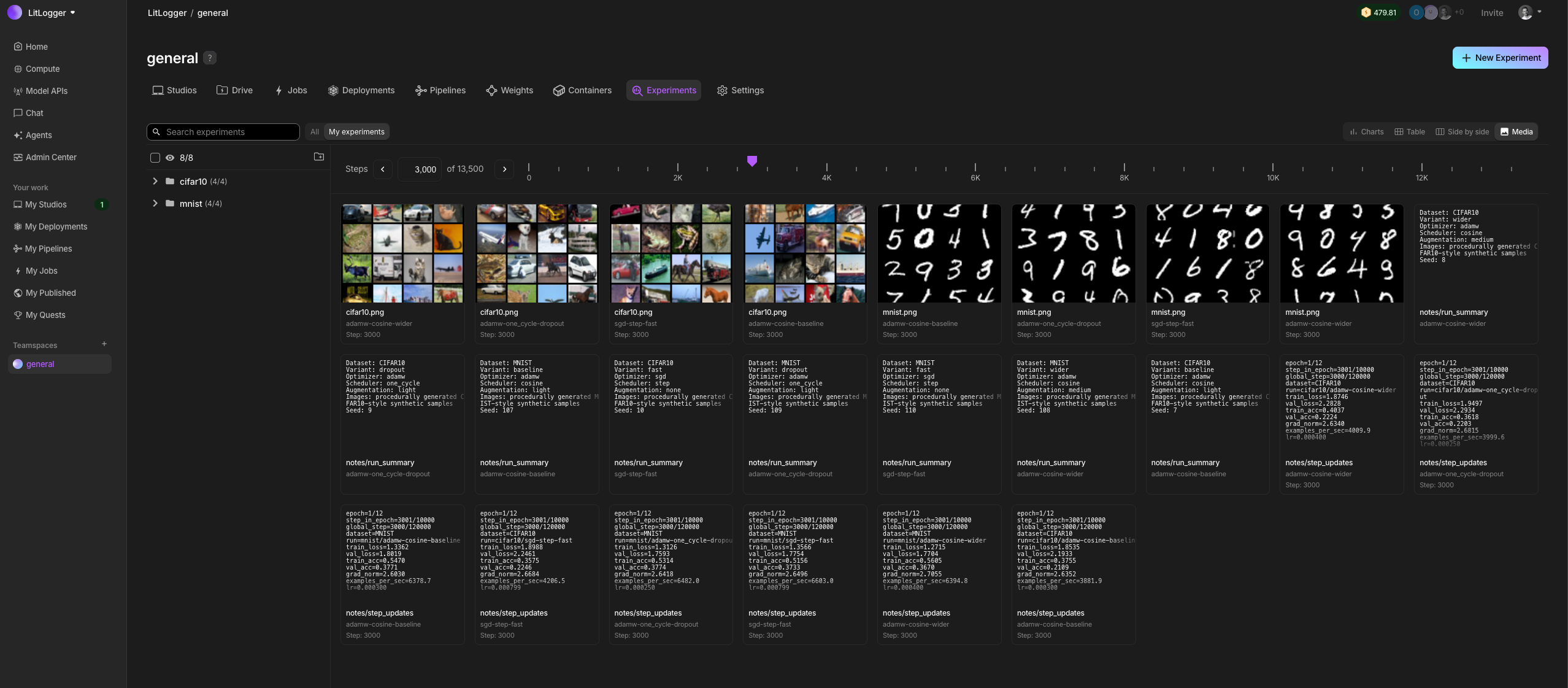
Trainer Integration
from lightning import Trainer
from lightning.pytorch.loggers import LitLogger

logger = LitLogger(
    name="mnist-autoencoder",
    metadata={"dataset": "mnist"},
)

trainer = Trainer(max_epochs=3, logger=logger)
trainer.fit(model, datamodule)
Metrics
Every self.log(...) call in your module flows through the logger into LitLogger.
def training_step(self, batch, batch_idx):
    loss = ...
    self.log("train_loss", loss)
    return loss
Hyperparameters
Lightning hyperparameters are captured through save_hyperparameters() or via metadata=... on the logger itself.
Checkpoint Logging
Enable automatic checkpoint uploads with log_model=True.
logger = LitLogger(name="my-model", log_model=True)

trainer = Trainer(
    logger=logger,
    callbacks=[checkpoint_callback],
)
Files and Models
The logger also exposes file and model logging helpers:
trainer.logger.log_file("config.yaml")
trainer.logger.log_model_artifact("checkpoints/best.ckpt", version="best")
For media uploads, use the standalone Experiment API directly. The upstream lightning.pytorch.loggers.LitLogger does not provide a log_media helper.
Runnable Example
See the complete runnable example in examples/lightning_autoencoder.py and the deeper guide at Lightning Integration.
Was this page helpful?
Thanks for the feedback.