
Enterprise
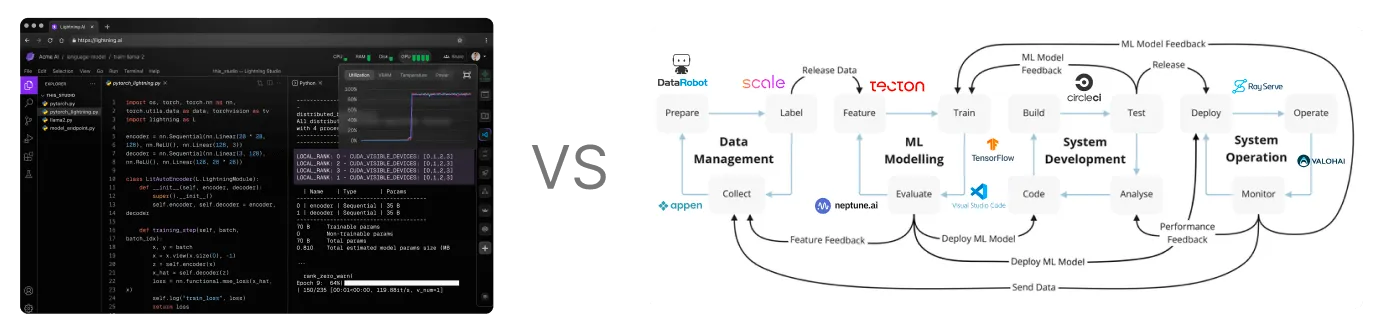
Lightning AI is designed to scale ML across small and large enterprises. Lightning AI unifies all tools needed for AI developers into a single, cohesive, unified experience. The platform helps with everything from structuring enterprise AI use cases, provides the tools to build AI at scale, manage cloud costs, run multi-cloud and more. This guide details how to structure work in an enterprise using organizations and teamspaces.
First time set up
Create an organization
First step is to create an organization
Starting a new organization.
Add team members
Add org admins and members.
Add team members and additional admin as needed.
Connect cloud accounts
Connect your cloud resources to the product:
Add your cloud account.
Advantages
Lightning AI is designed to scale AI across the largest enterprises.
Unified platform
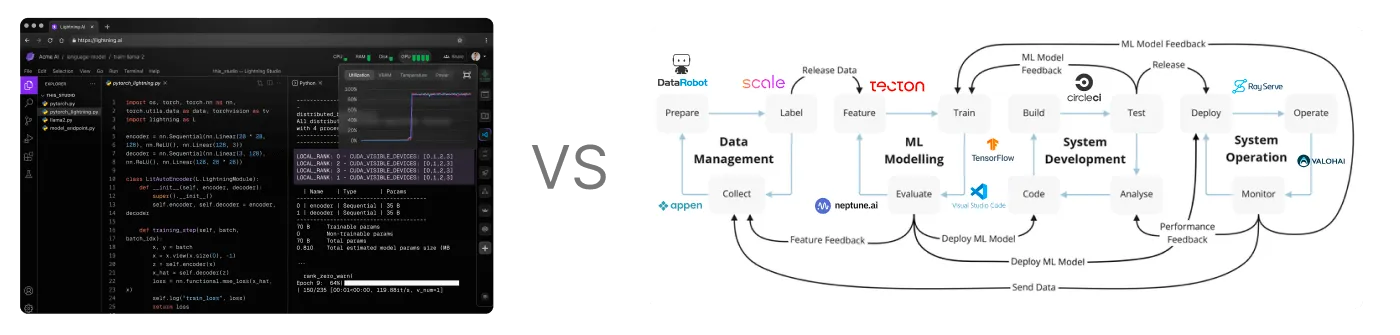
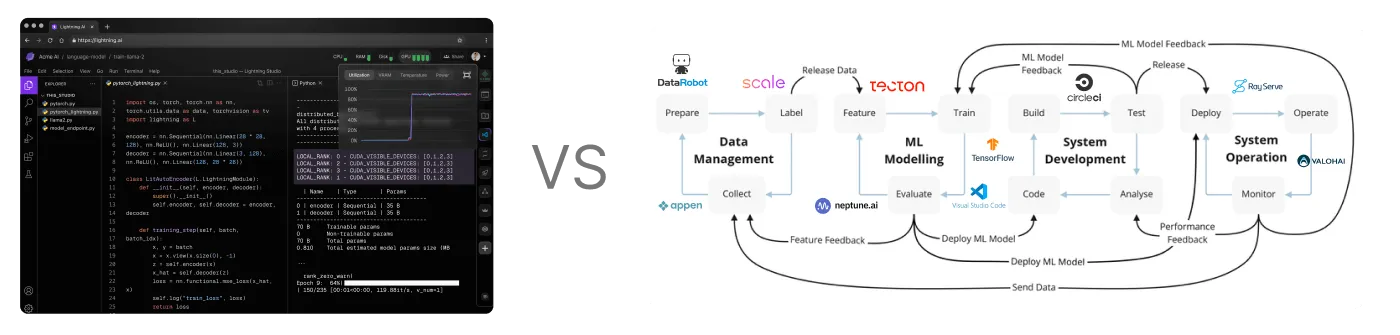
As AI scales inside the enterprise, complexity and new needs arise. These new needs are patched by integrating a new tool to solve a specialized part of the ML lifecycle. Soon, you have a complex platform that is expensive and difficult to maintain.
Lightning AI is the first end-to-end AI platform built for enterprise scale. All systems are unified in a single Studio interface.
Full control
Lightning AI offers full control for those teams who want to customize cloud infrastructure to meet their security requirements. For developers and researchers, Lightning AI gives them full control of their environment. For the infrastructure and risk teams, Lightning AI offers full control over all the security and deployment details of the platform to make sure developers and researchers work within the constraints of the business.

Modular
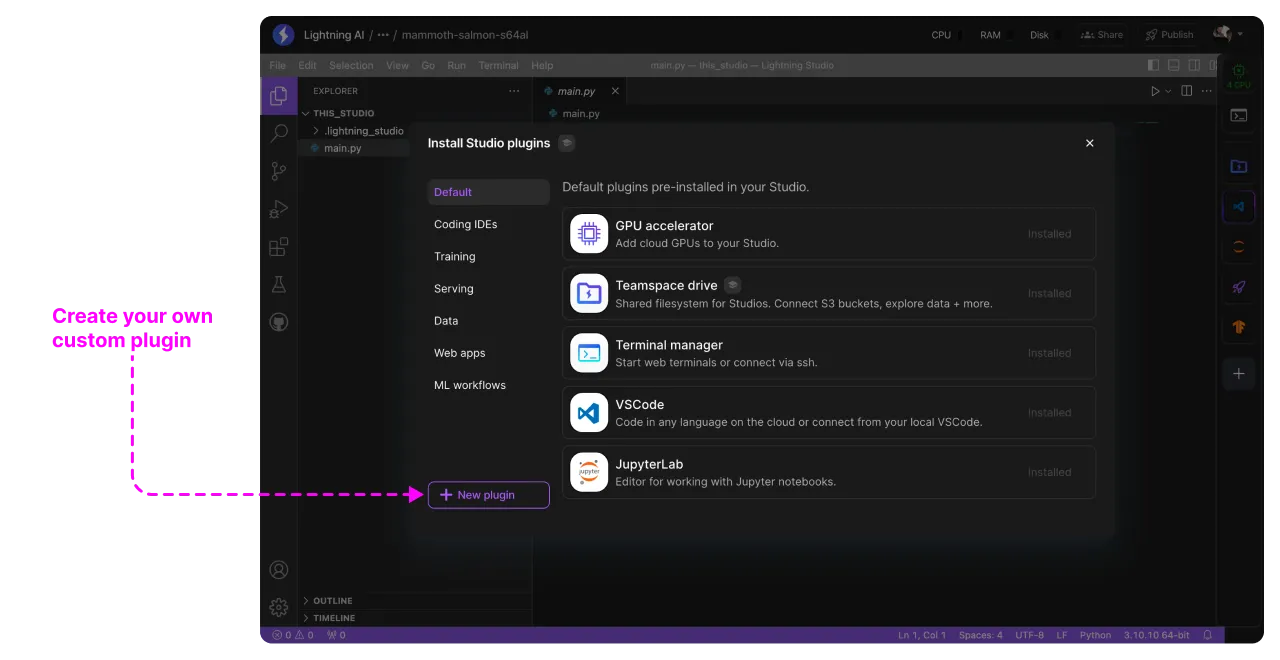
Lightning AI is built as an integrations platform first. It integrates the best in class tools into a unified interface. Enterprises can add their own plugins to extend platform functionality.
Custom cloud deployments
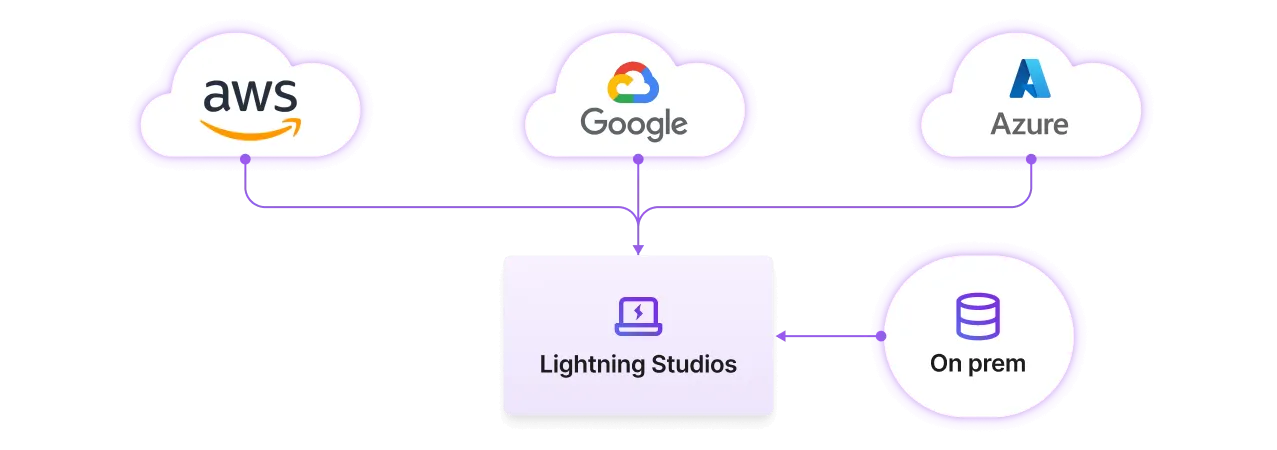
Lightning AI connects your different compute backends into a single, unified system. Run on AWS, GCP and connect your on-prem clusters as well.
Public and private templates
Create internal collections of Studio templates to reduce time to build, share models, datasets and reproducible AI systems. As a member of the Lightning AI community, enterprises have access to publish and use high-performance templates created by the AI community.
Start a new project from a Studio template.
[video: Start a new project from a Studio template]
Zero infra setup
Get started in minutes. No need to have expensive dev ops resources or dedicated cloud teams. ML engineers and developers can start Studios without messing with docker, kubernetes, AWS or any other cloud headaches.
Organize work
Use these recommendations to set up work inside the organization.
One teamspace per use case
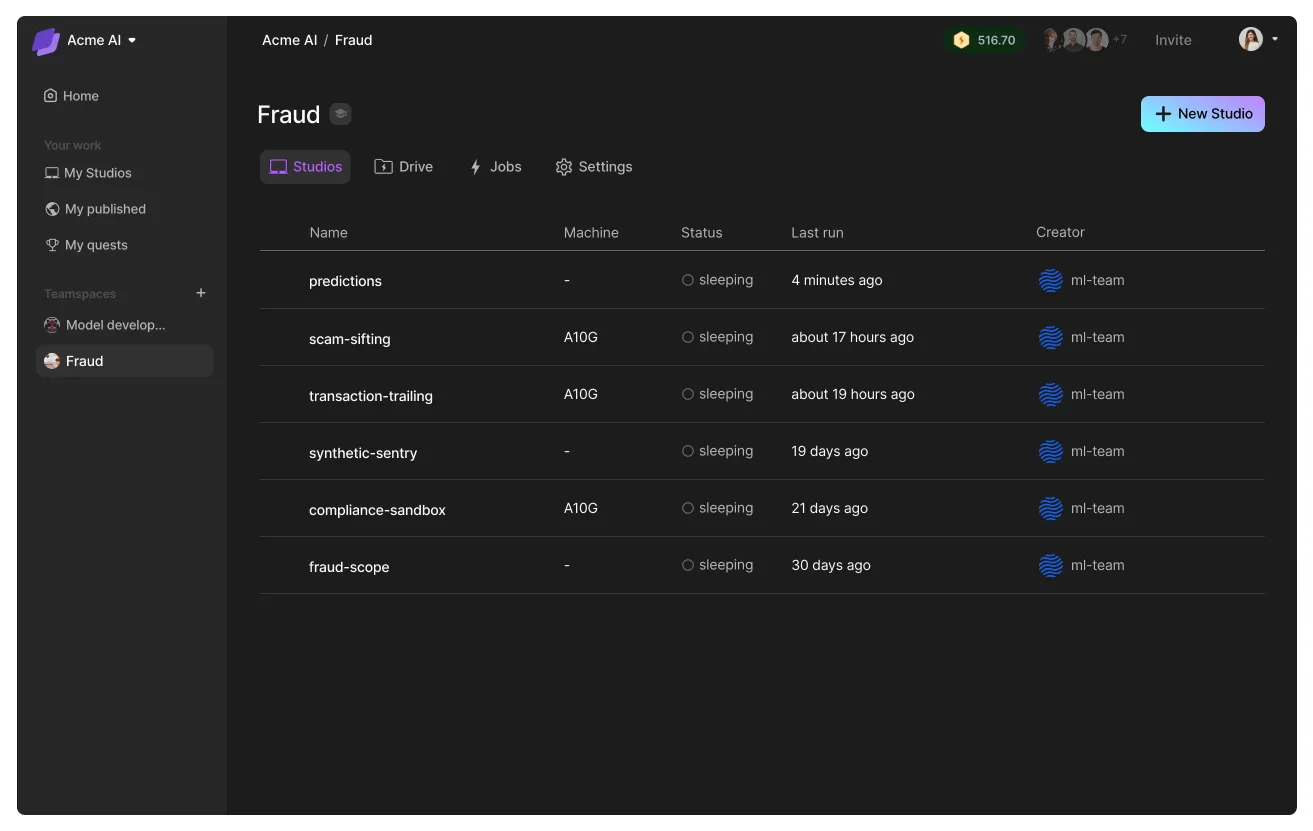
It is common for AI initiatives to be organized as "use cases". Each use case can be mapped to a teamspace.
For example, creating a system to detect fraud in credit card transactions. Notice we did not say a "model", but a system.
A system has many parts to it: data pipelines, data cleaning, embedding, training, finetuning, serving, monitoring, and more. All these different steps can be encapsulated inside a single teamspace oriented towards that goal.
Here is an example of a teamspace designed for the fraud use case.
One Studio per task
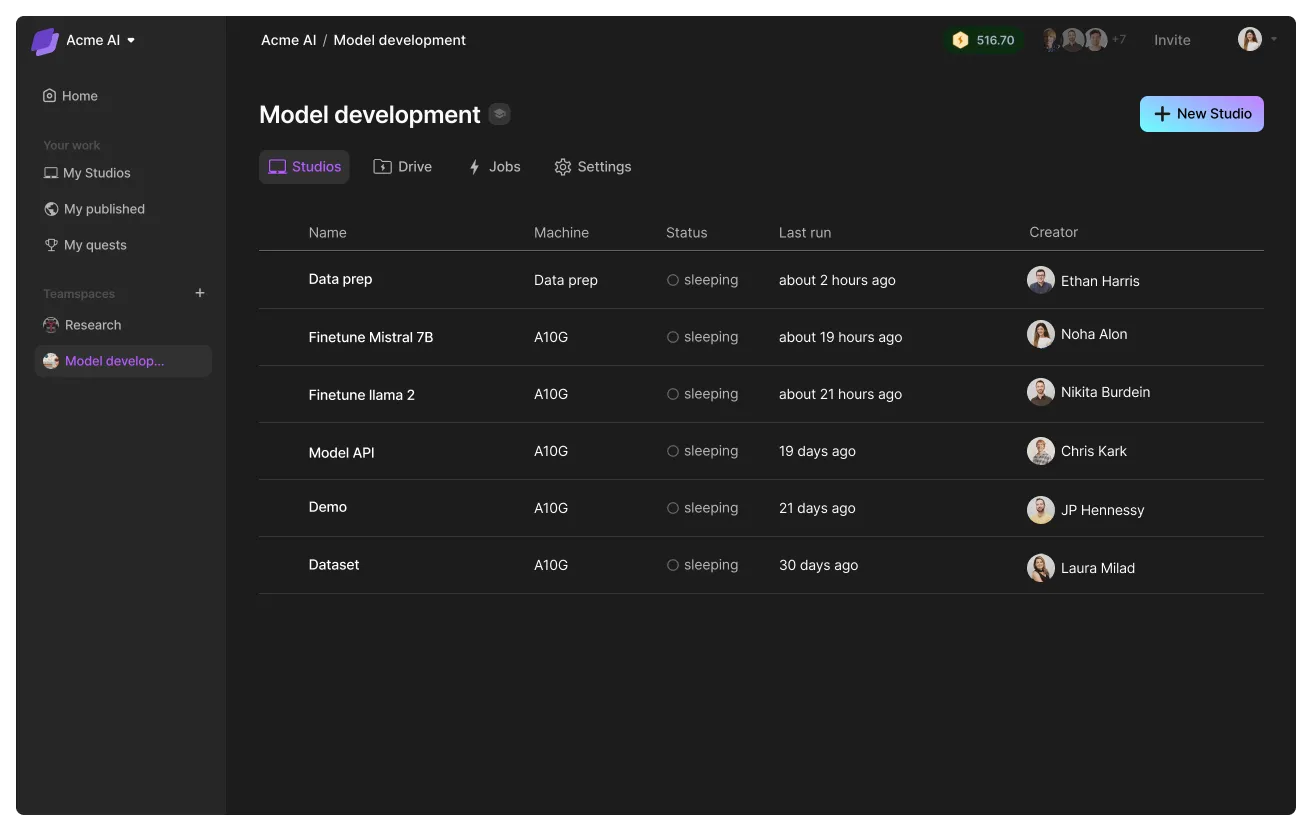
For optimal workflow organization, we recommend dedicating a single Studio to each task. This approach enables you to:
- Create specific pipelines for varied tasks.
- Streamline processes, making them easier to manage and replicate.
Here's an example teamspace:
Automate pipelines
Use the SDK to create a pipeline that orchestrates multiple studios.

# login to the platform
# export LIGHTNING_USER_ID=000000-000000-000000-00000-000000000
# export LIGHTNING_API_KEY=111111-111111-111111-11111-111111111

from lightning_sdk import Machine, Studio

data_prep_studio = Studio("data_preparation")
data_prep_studio.start(Machine.DATA_PREP)

data_prep_studio.run("python prepare_data.py")
data_prep_studio.stop()

train_studio = Studio("training")
train_studio.start(Machine.V100_X_4)
train_studio.run("python train.py --data_path /teamspace/studios/data_preparation/preprocessed_data")
train_studio.stop()

deploy_studio = Studio("deploy")
deploy_studio.start(Machine.T4)
deploy_studio.run("python deploy_server.py --checkpoint /teamspace/studios/training/checkpoints/last.ckpt") # leave it running to serve requests
Was this page helpful?
Thanks for the feedback.