
Students
Lightning AI is perfect for homeworks, assignments, group projects, hackathons and more. Studios already have environments set up for machine learning that work out of the box. They can be duplicated, shared and used for pair coding. Work on free CPUs and scale to GPUs to speed up workloads.
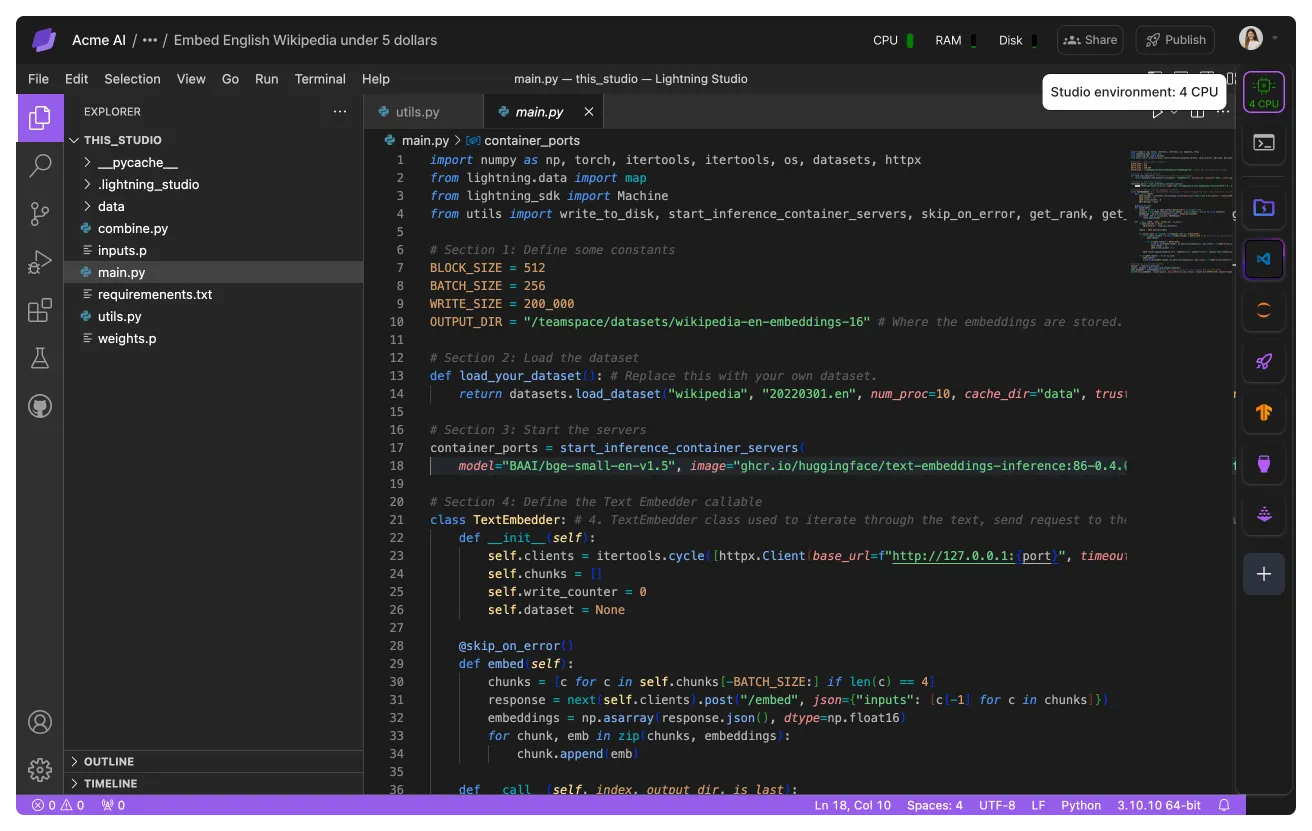
All users on Lightning AI get one CPU studio, so you can code anything at any time. The Studio will be free for the first 4 hours and then switch to billed. Restart the Studio to continue coding for free.
Academic tier
Lightning AI offers a generous academic tier which gives you Pro-level features at student prices: 80% off the list price for your first 48 months, billed annually. You need an academic email address on your account.
If your class or lab already pays for Lightning AI, ask whoever runs the organization to give you one of its academic seats instead.
Organize work
This section describes our recommendations to organize work as a student. In principle, think of a teamspace like a folder and studios as files.
A teamspace per project
For students a single teamspace is likely enough for most work types. However, we recommend to set up a standalone teamspace for each class so you can group homeworks, projects, etc...
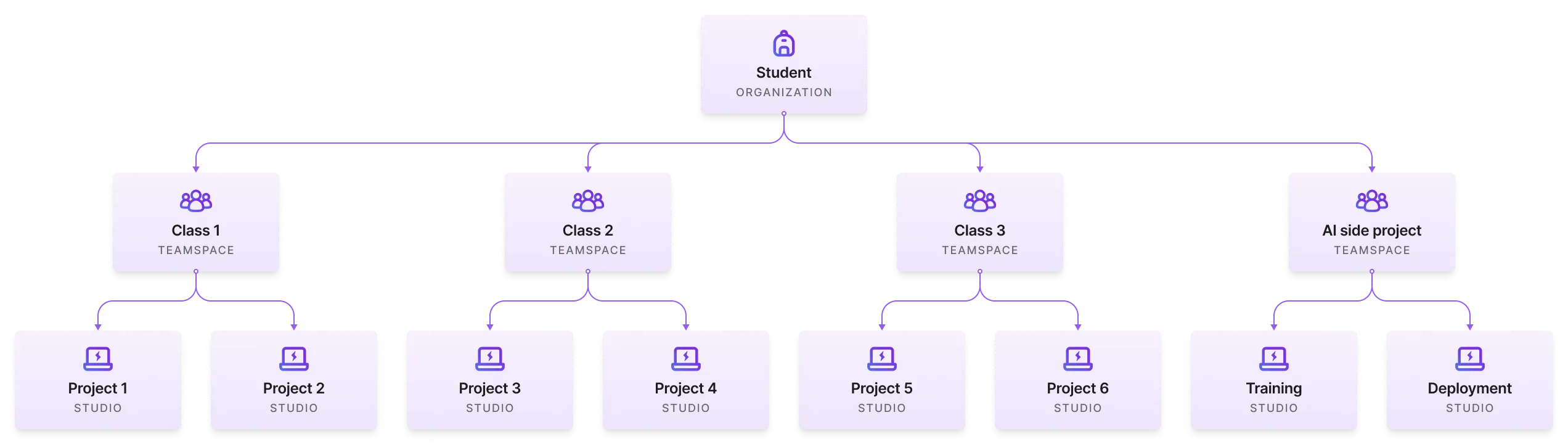
It is also a good idea to set up a teamspace for every collaborative project (hackathons, etc...) where each member might be working on something different that contributes to the overall project.
A Studio per task
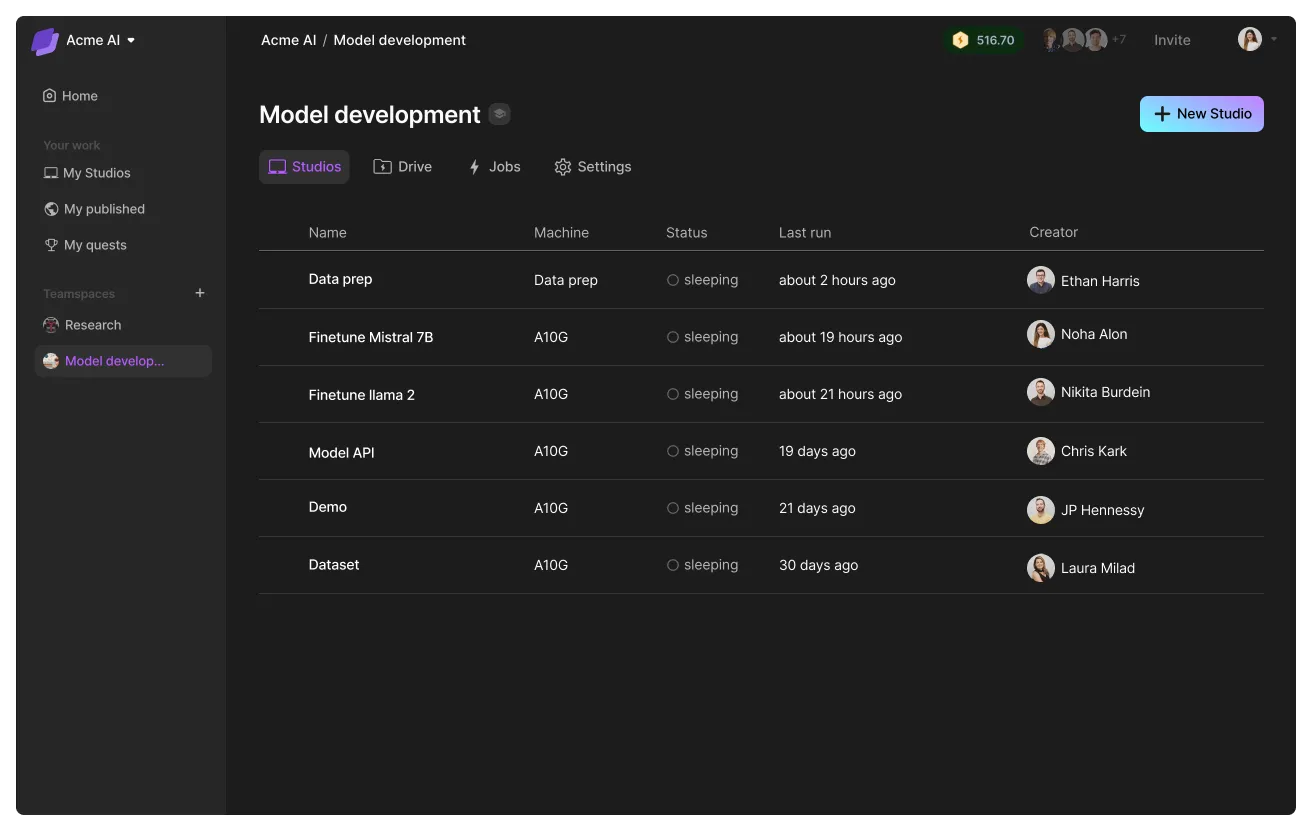
Imagine if you could have a new laptop every time you wanted to work on something new. And if you broke that laptop, you could just throw it away. That's exactly why we recommend to set up a Studio for every project. When you want to work on that project, start the Studio and everything's already set up.
Reduce costs
Lightning AI is built to be student and academic friendly. All verified users get free credits for GPU workloads plus a free CPU studio for coding, giving them room to support classes, research, and side projects without upfront cost.
If you need more credits, recommend to your instructors to create a lightning organization for the class and add credits there. Most universities have cloud credits and budgets they can use for classes through Lightning AI.
Read our academic guide here.
Why only 80 free hours?
Do the majority of your coding, debugging, and iterating on a CPU Studio. Then, when you need to validate something, run on a cheap GPU and then scale to an expensive GPU.
This means that 1 hour on Lightning AI is roughly equivalent to 5 hours in other platforms. On other platforms, you will have a ton of failures and issues that will force you to waste GPU compute on non GPU tasks.

Was this page helpful?
Thanks for the feedback.