
Programmatic shutdown
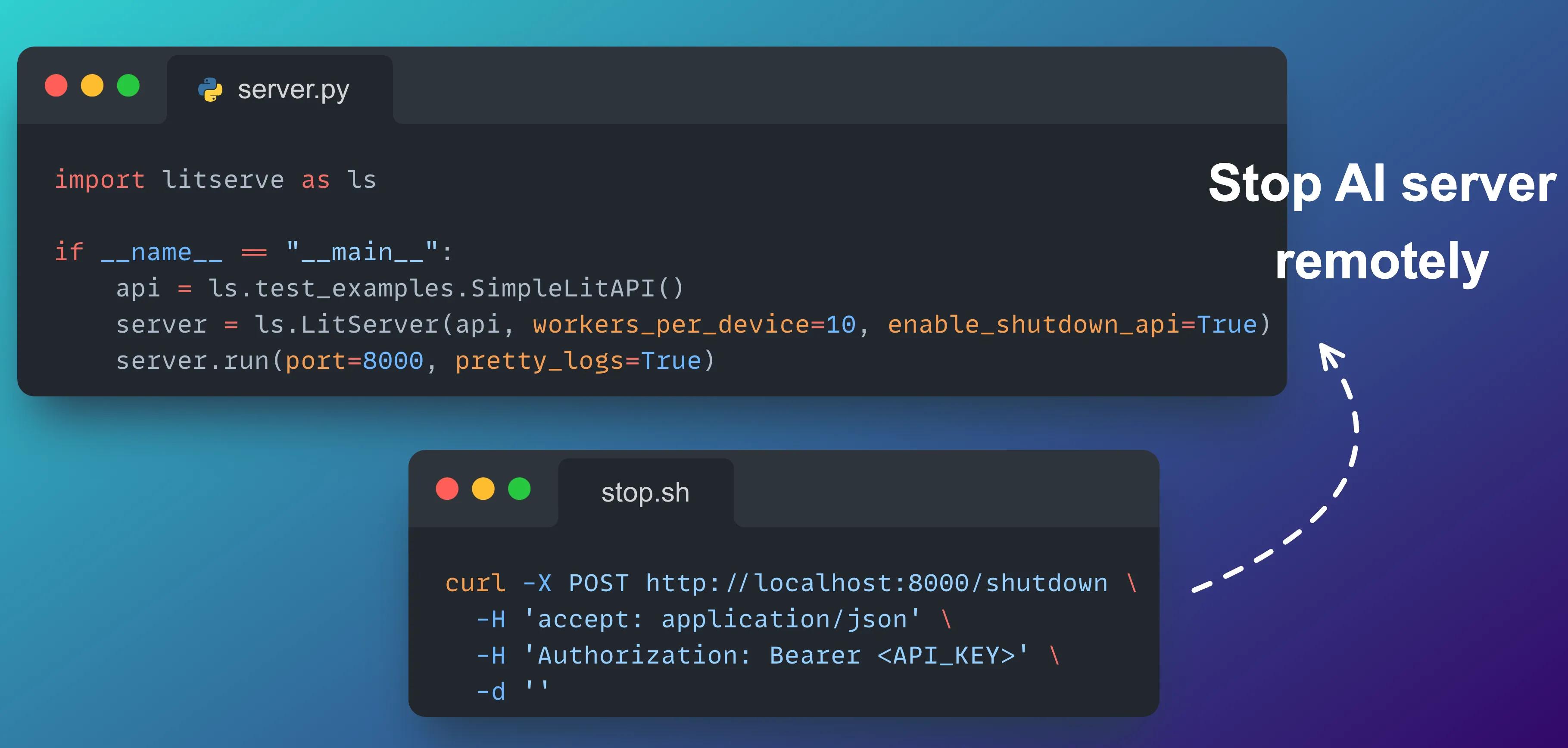
Manually stopping a server can interrupt workflows and makes it harder to integrate with other tools. LitServe’s programmatic shutdown API allows us to stop the server from any script or service, supporting automation, remote termination and clean shutdowns.
Overview
What is programmatic shutdown?
Programmatic shutdown lets us stop LitServe from outside the process, without killing it from the terminal. This helps when LitServe is running as part of a larger workflow or needs to be restarted by an automated script.
API security: Shutdown key
When the shutdown API is enabled, LitServe requires an API key for authorization.
- The API key can be set using the
LIT_SHUTDOWN_API_KEYenvironment variable. - If this variable is not set, LitServe generates a key at startup and logs it in the console.
- The API key must be included as a Bearer token in the
Authorizationheader of the shutdown request.
Enable programmatic shutdown
Set enable_shutdown_api=True when creating the LitServer:
import litserve as ls

if __name__ == "__main__":
    api = ls.test_examples.SimpleLitAPI()
    server = ls.LitServer(api, workers_per_device=10, enable_shutdown_api=True)
    server.run(port=8000, pretty_logs=True)
How to use
After enabling, LitServe will either use the API key from LIT_SHUTDOWN_API_KEY, or generate one and log a message like:
WARNING - LitServe's Shutdown API is enabled, but the `LIT_SHUTDOWN_API_KEY` environment variable is missing.
Generated shutdown API key: g-[redacted-base64-key]

INFO - To shutdown the server, run command:

curl -X 'POST' 'http://localhost:8000/shutdown' -H 'accept: application/json' -H 'Authorization: Bearer g-[redacted-base64-key]' -d ''
To shut down the server, use the provided API key in your request:
curl -X POST http://localhost:8000/shutdown \
  -H 'accept: application/json' \
  -H 'Authorization: Bearer <API_KEY>' \
  -d ''
Replace <API_KEY> with your key from the log or environment variable.
Conclusion
Programmatic shutdown gives us safe and remote control over LitServe. With the API key mechanism, only authorized tools or users can stop the server—improving automation, security, and operational flexibility.
Was this page helpful?
Thanks for the feedback.